 Lindroids
Launch and export Linux GUI applications on Android.
Lindroids is a package for the Linux environments you already use on Android (Termux,
proot distros, Flatpak). Their GUI programs open as Android windows, and lindroids export turns one into a real Android
app, built on the phone. No root, no browser.
curl -fsSL https://dixonsolutions.github.io/lindroids/install.sh | shIn Termux (F-Droid, GitHub or Google Play), or in a proot distro.
What Lindroids is, and is not
Two commands
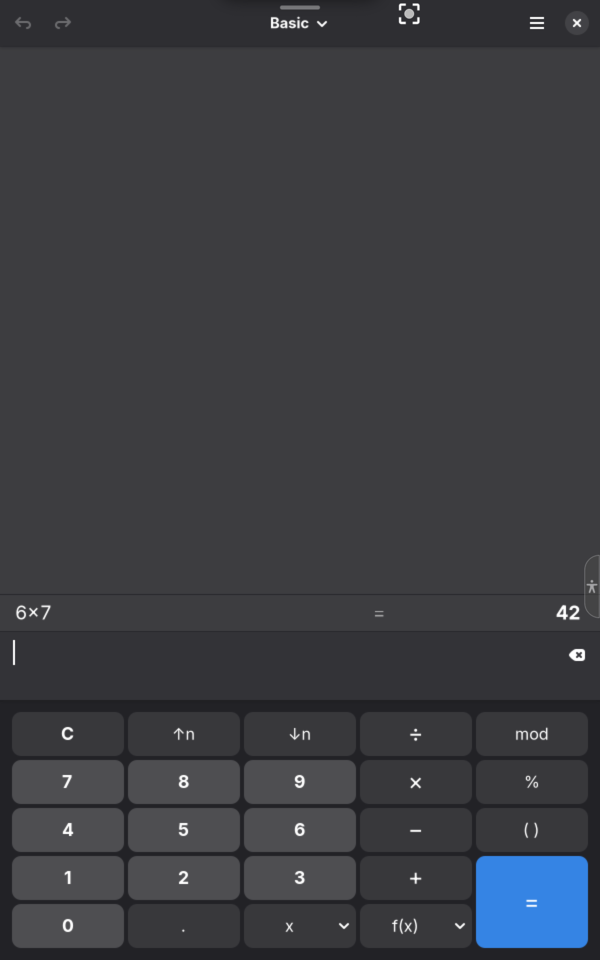
lindroids run org.gnome.Calculatorlindroids export org.gnome.CalculatorA window of its own, now
lindroids run opens a program in a window with its name, closed when the program ends or Termux stops.
An app of its own, for good
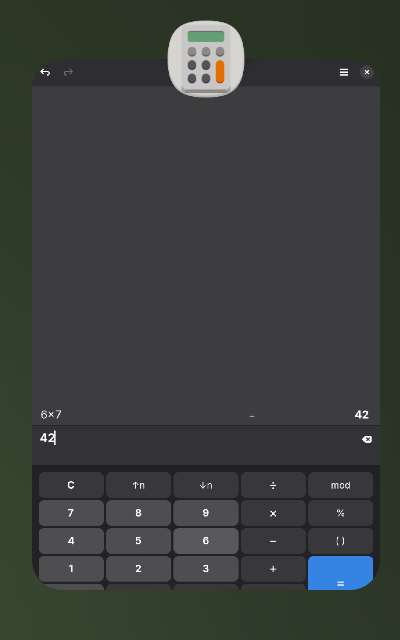
lindroids export: tap Install, and the program is in the app list with its icon, also when Termux is not running.
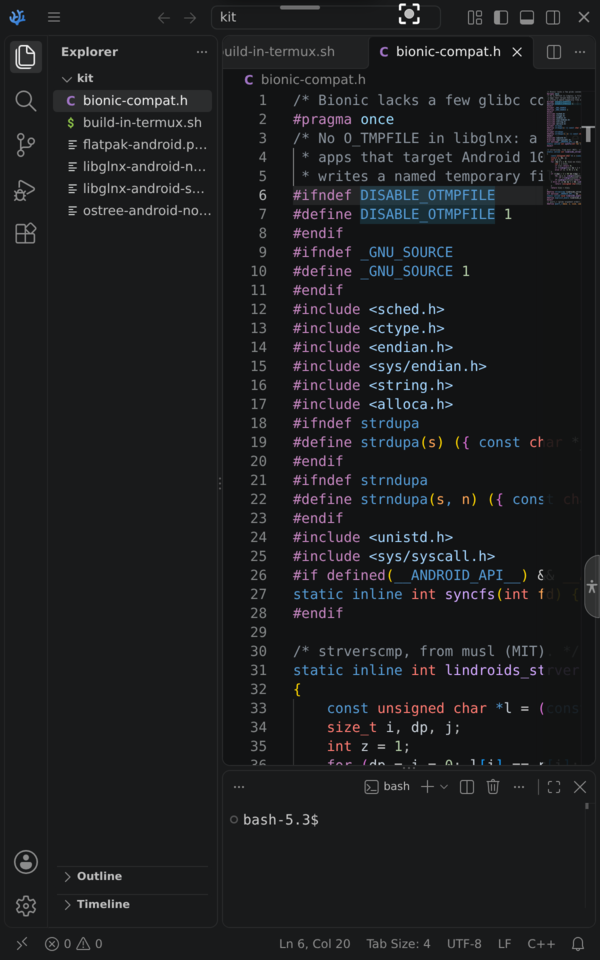
Any Linux program with a window
Termux packages, programs in a proot distro, Flatpaks from Flathub (no root), X11 programs.
Android underneath
Dark mode and accent colour, Android’s file picker, Open with, notifications, clipboard, sound and microphone, touch, pen and keyboards.
On a real Android device
Install
install.sh adds the Lindroids repository to the
package manager, so the usual upgrade keeps it current, and offers to set up Flatpak. The first lindroids export asks Android once to allow installs.
curl -fsSL https://dixonsolutions.github.io/lindroids/install.sh | shOr add a repository by hand
# Termux: $PREFIX/etc/apt/sources.list.d/lindroids.list
deb [signed-by=$PREFIX/etc/apt/keyrings/lindroids.gpg] https://dixonsolutions.github.io/lindroids termux main
# Debian / Ubuntu: /etc/apt/sources.list.d/lindroids.list
deb [signed-by=/etc/apt/keyrings/lindroids.gpg] https://dixonsolutions.github.io/lindroids stable main
# after: pacman-key --add lindroids.asc && pacman-key --lsign-key CF71814EDB63C911B430479C6FFD91C90F43BF7B
# Termux with pacman: $PREFIX/etc/pacman.conf
[lindroids]
Server = https://dixonsolutions.github.io/lindroids/pacman/termux/$arch
# Arch Linux and derivatives: /etc/pacman.conf
[lindroids]
Server = https://dixonsolutions.github.io/lindroids/pacman/arch/$arch# Fedora, RHEL, Rocky, Alma, CentOS
sudo curl -o /etc/yum.repos.d/lindroids.repo https://dixonsolutions.github.io/lindroids/rpm/lindroids.repo
# openSUSE
sudo zypper addrepo https://dixonsolutions.github.io/lindroids/rpm/lindroids.repo# Alpine, postmarketOS, Chimera: the key lindroids.rsa.pub into /etc/apk/keys/, then
echo https://dixonsolutions.github.io/lindroids/apk >> /etc/apk/repositories
apk update && apk add lindroids# Void Linux: imports the same RSA key on the first sync
echo repository=https://dixonsolutions.github.io/lindroids/xbps > /etc/xbps.d/lindroids.conf
xbps-install -S lindroidsSigning key lindroids.gpg (armored), fingerprint CF71814EDB63C911B430479C6FFD91C90F43BF7B; apk and xbps: lindroids.rsa.pub.
Questions, programs that work (or do not), ideas and help: talk to the people who build and use Lindroids on Discord.